OpenAI the company behind ChatGPT offer another way to use their AIs. API is a paid service, but can vastly save you money in comparison to ChatGPT subscription service.
You can skip the first part if you already have an OpenAI account.
Create an account to get an API token
-
Go to platform.openai.com > Click "Sign Up"

-
Fill in your email address or use an Email Provider from one of the buttons.

-
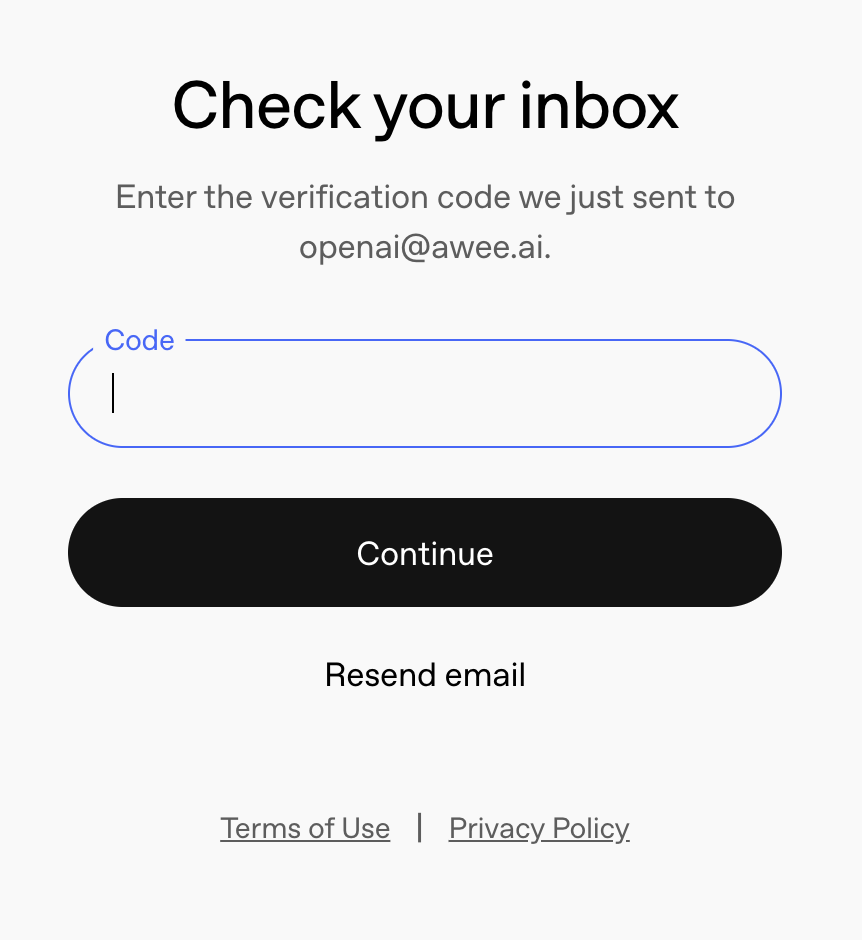
Wait for an email from OpenAI and copy the code
-
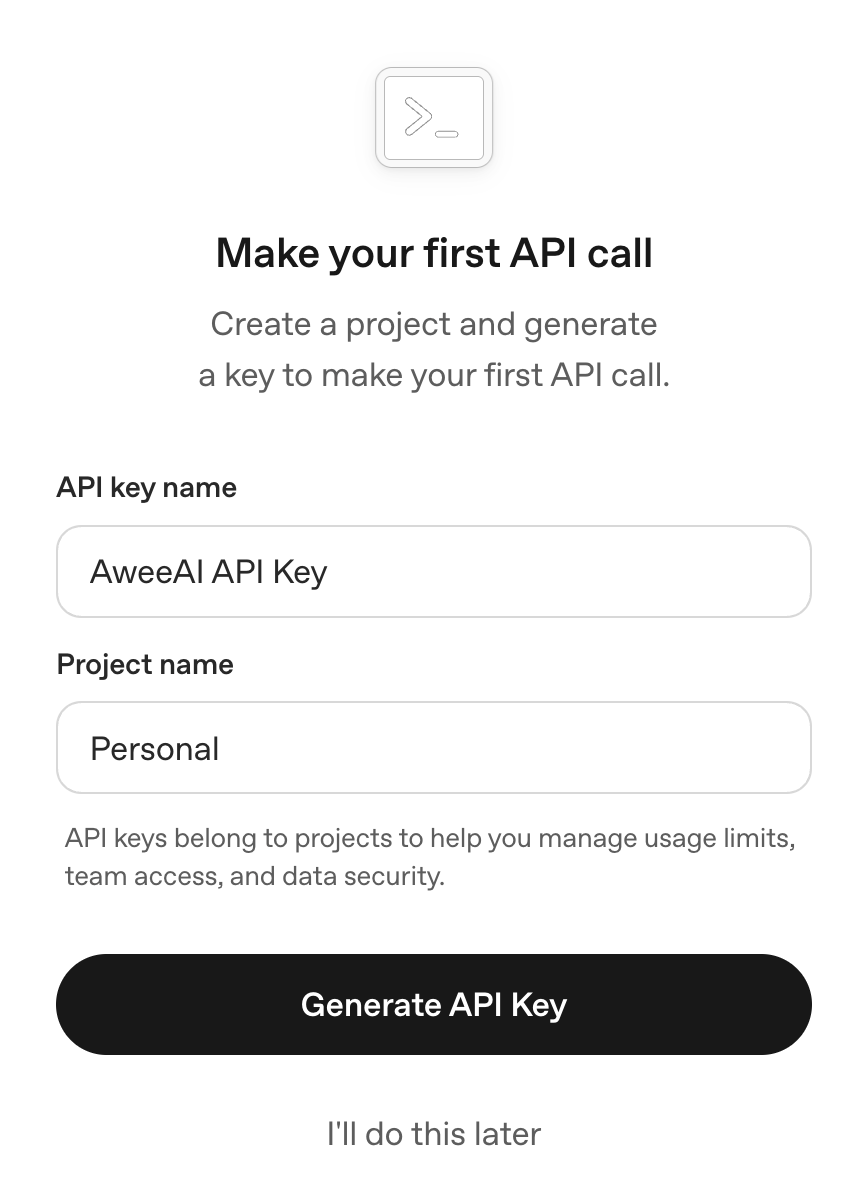
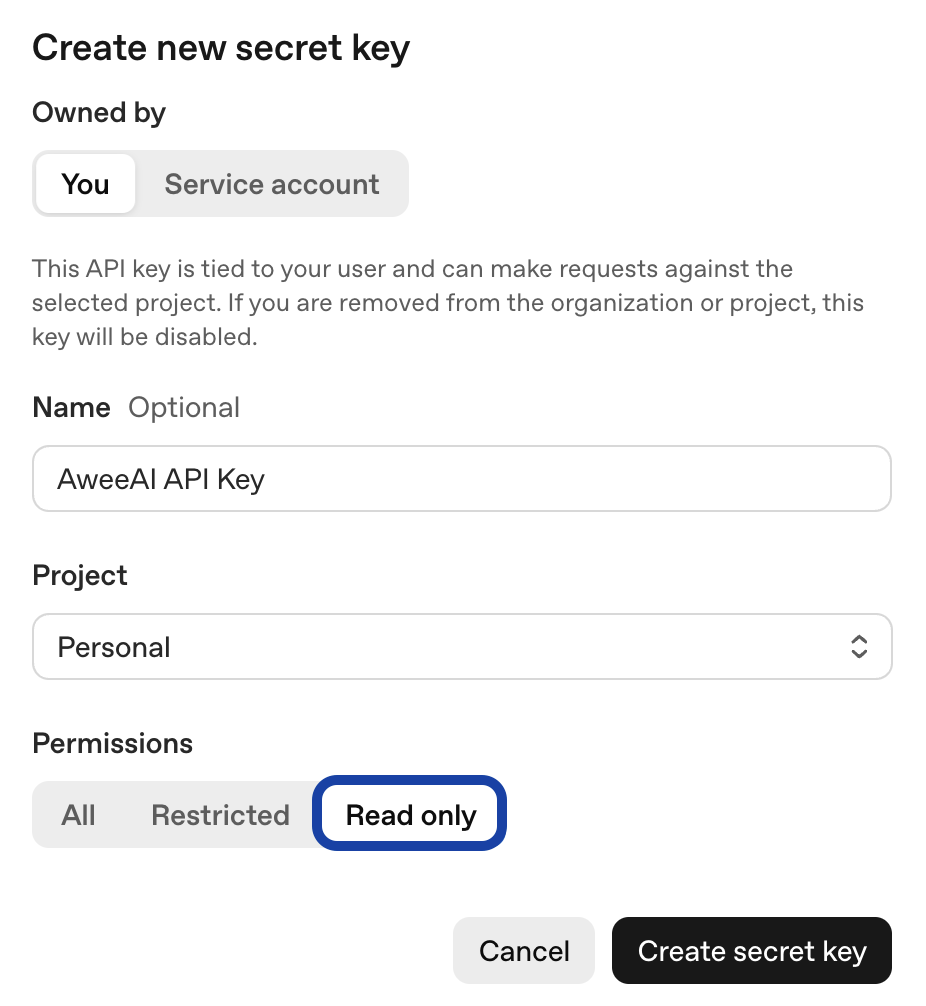
Enter the name for the API key (something related to Awee) and a project name (Personal, Specific Project A, Food with AI, etc.).
-
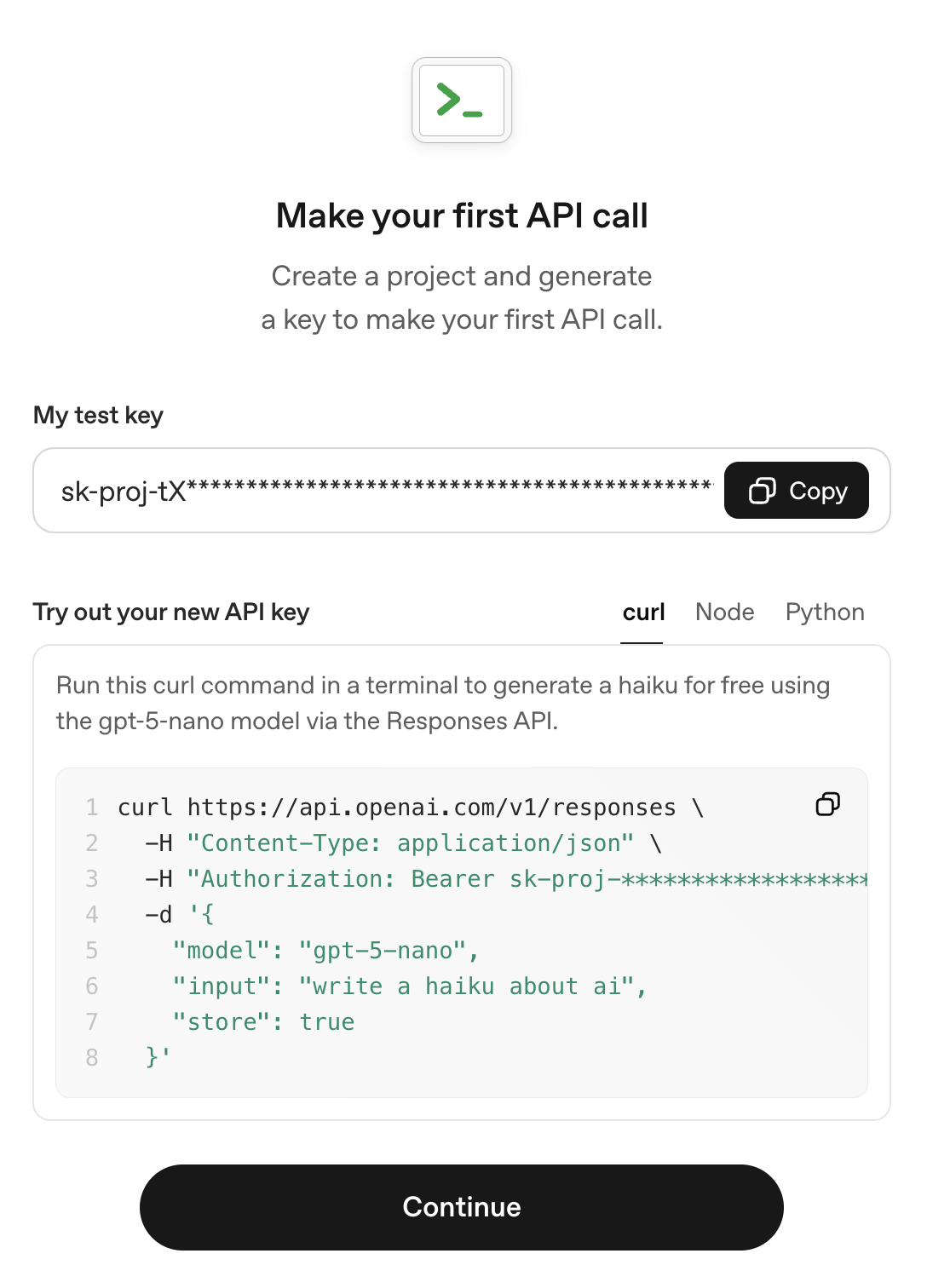
Copy your API token and protect it like a password.
-
Add $5 or more to your OpenAI account.

Create a token for an existing OpenAI account
Go to OpenAI Settings and in the left sidebar, under Project (or Organisation, your choice) find API Keys.
From there click "Create new secret key"
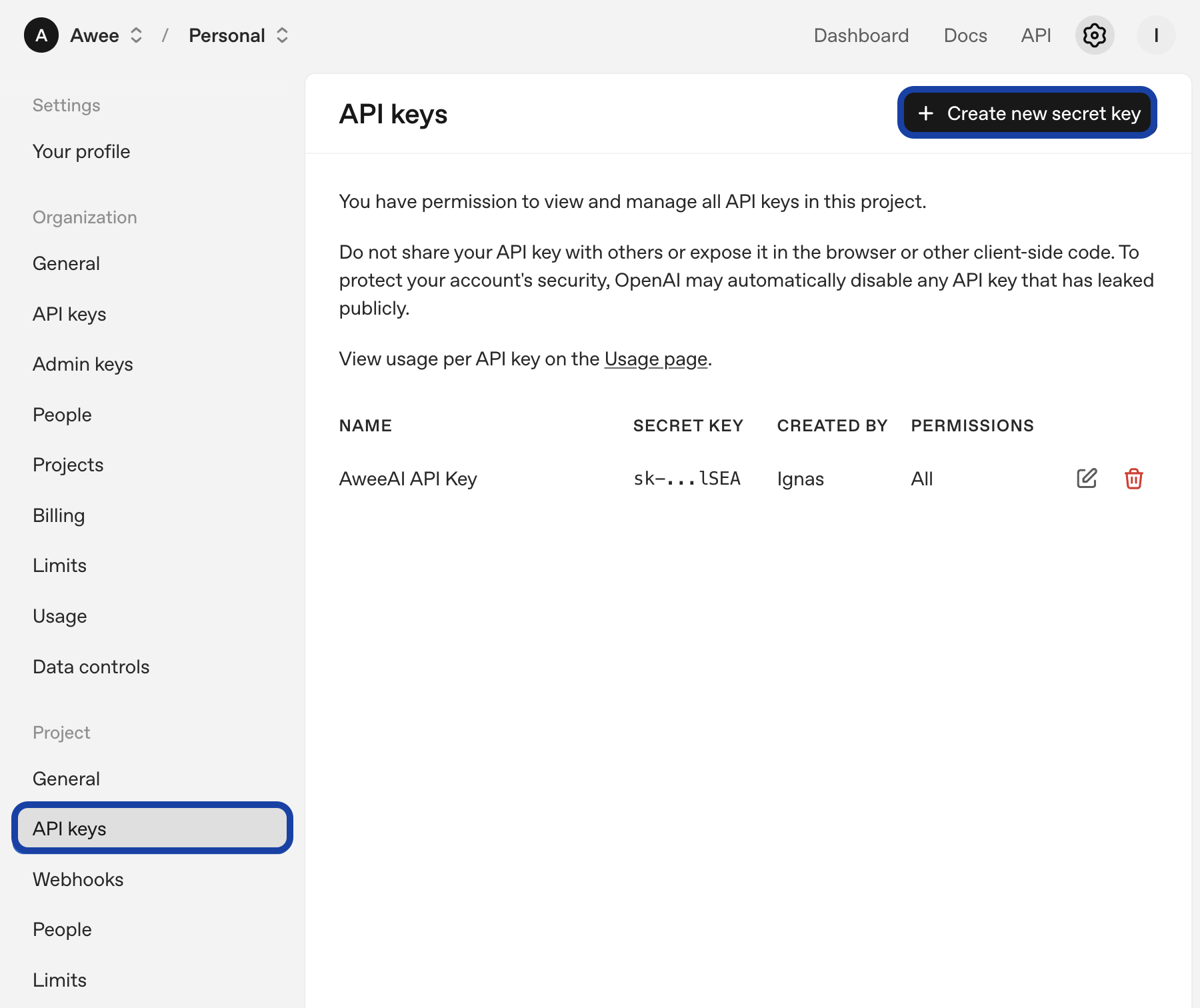
You can select the "Read Only" permission as Awee doesn't perform any operations except for AI communication.
Use the copied token in Awee
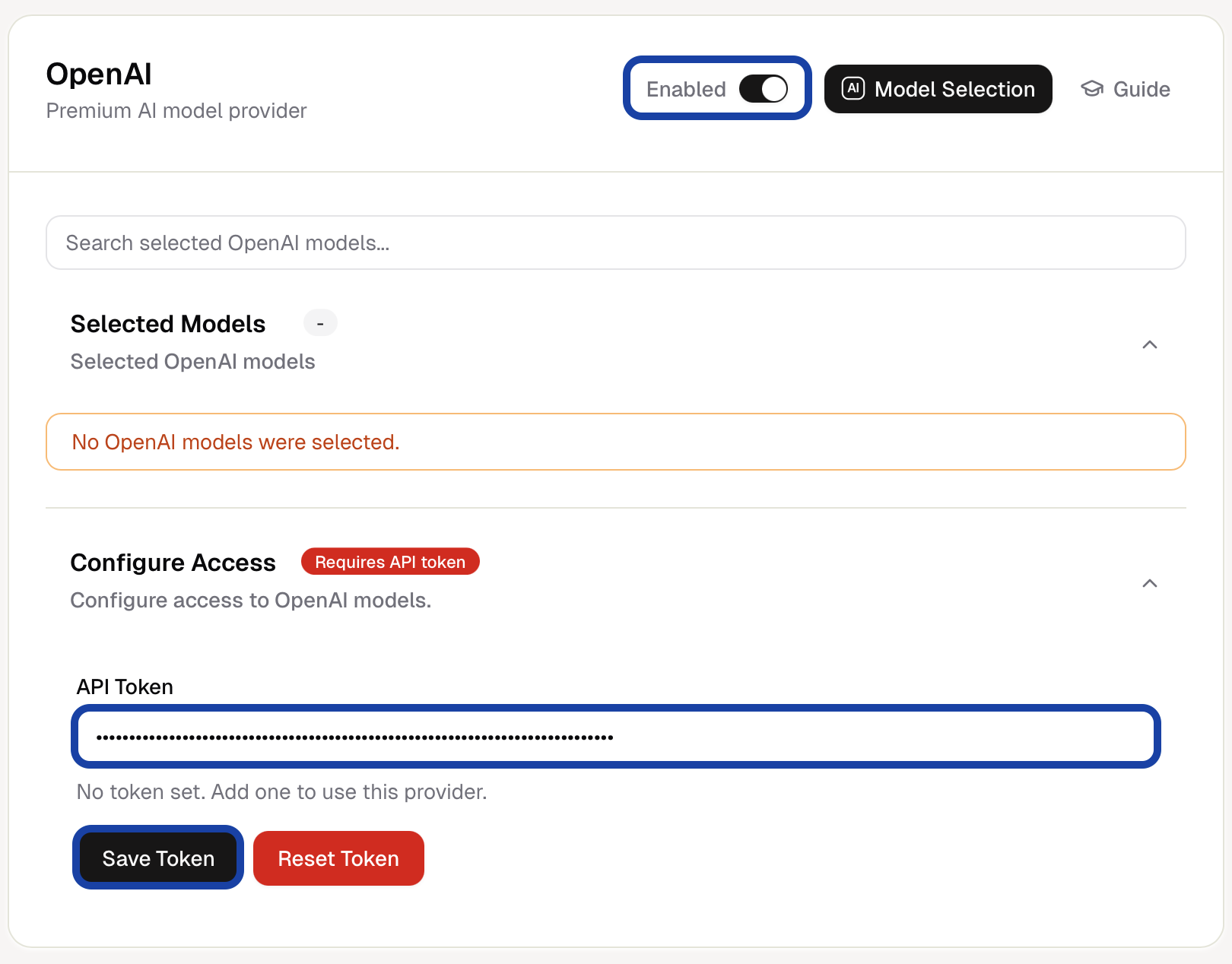
In Awee Desktop, go to Awee Desktop Settings. Make sure the OpenAI provider is enabled, paste in the token and click "Save Token". Click to open in-app Awee Settings.
Using API tokens to authenticate and prove ownership is the standard way for people and machines to talk to each other. Everybody, even ChatGPT service uses APIs with tokens to provide the full chat experience. Using it in Awee gives you access to the very latest models*.
*OpenAI and many other providers offer pricing tiers which limit access to models and the amount of chatting a model can do for your account.