OpenRouter is an AI aggregator providing access to numerous AI models from various providers for a modest markup fee.
Create an account to get an API token
-
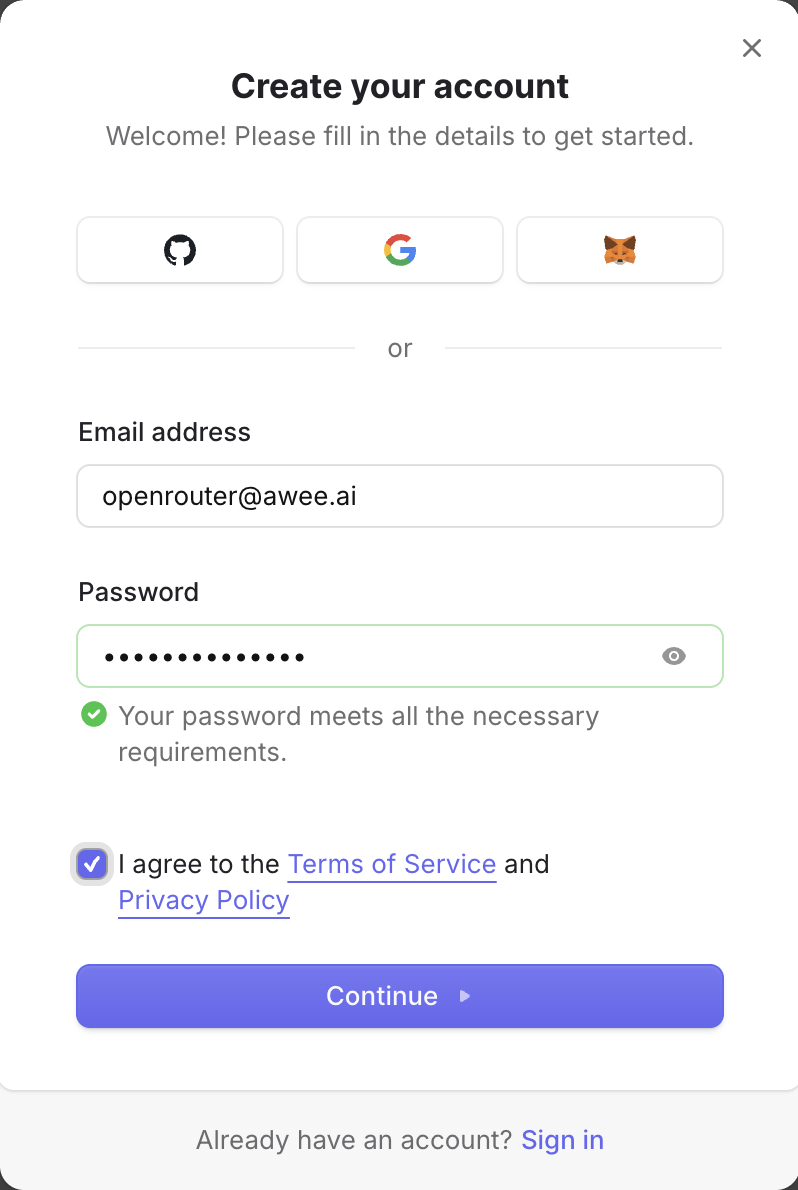
Go to openrouter.ai > click "Sign up" then choose the option to create your account.
-
Wait for an email from Openrouter and click on the link inside the email
-
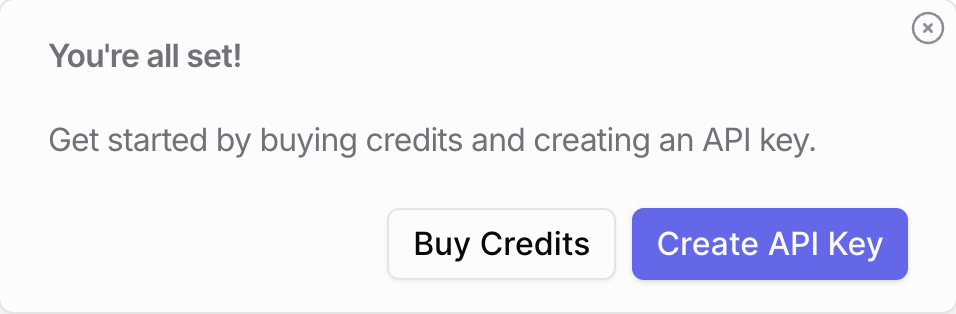
Press "Create API key"
-
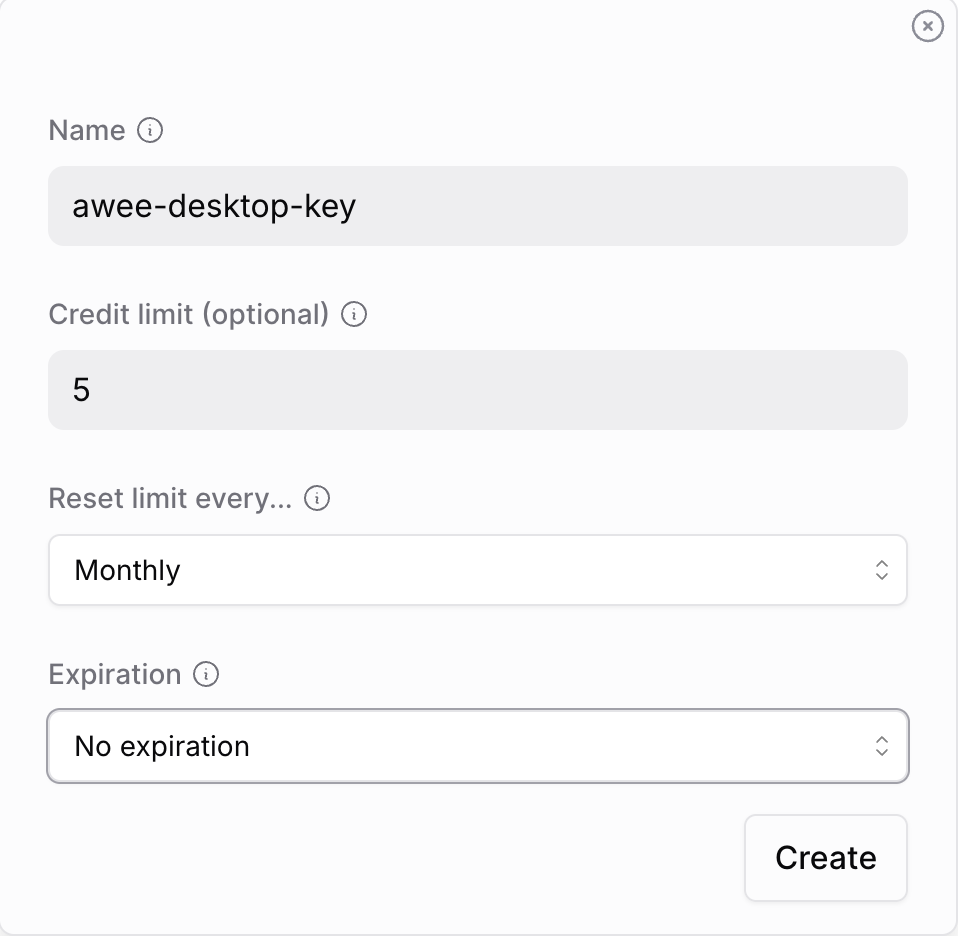
Click "Get API Key" again and configure key parameters
-
Copy your API key and protect it as you would a password.
Key looks like:
sk-or-v1*************************************** -
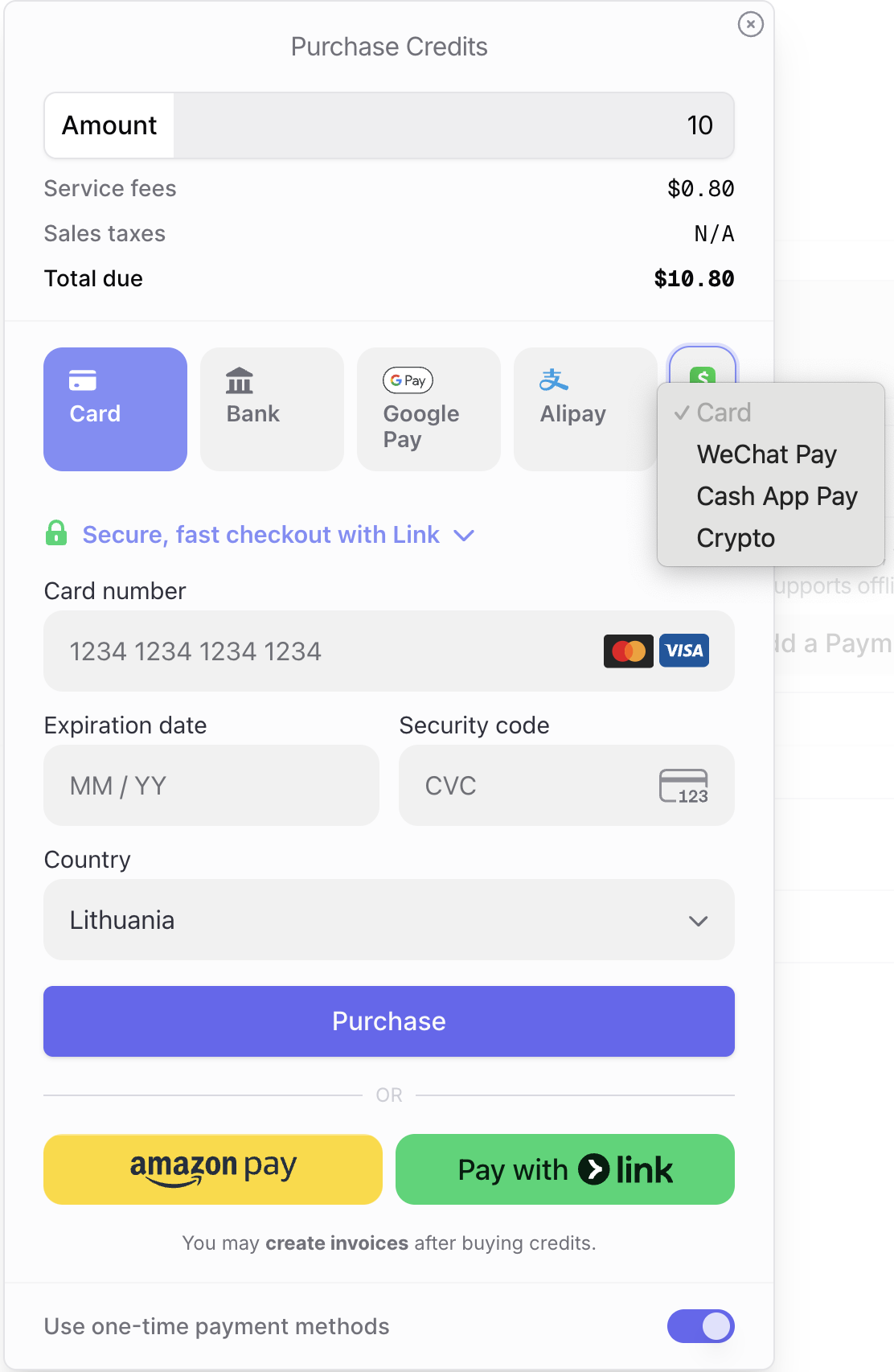
To add some token credits
Go to Credits -> Add Credits on the left side menu
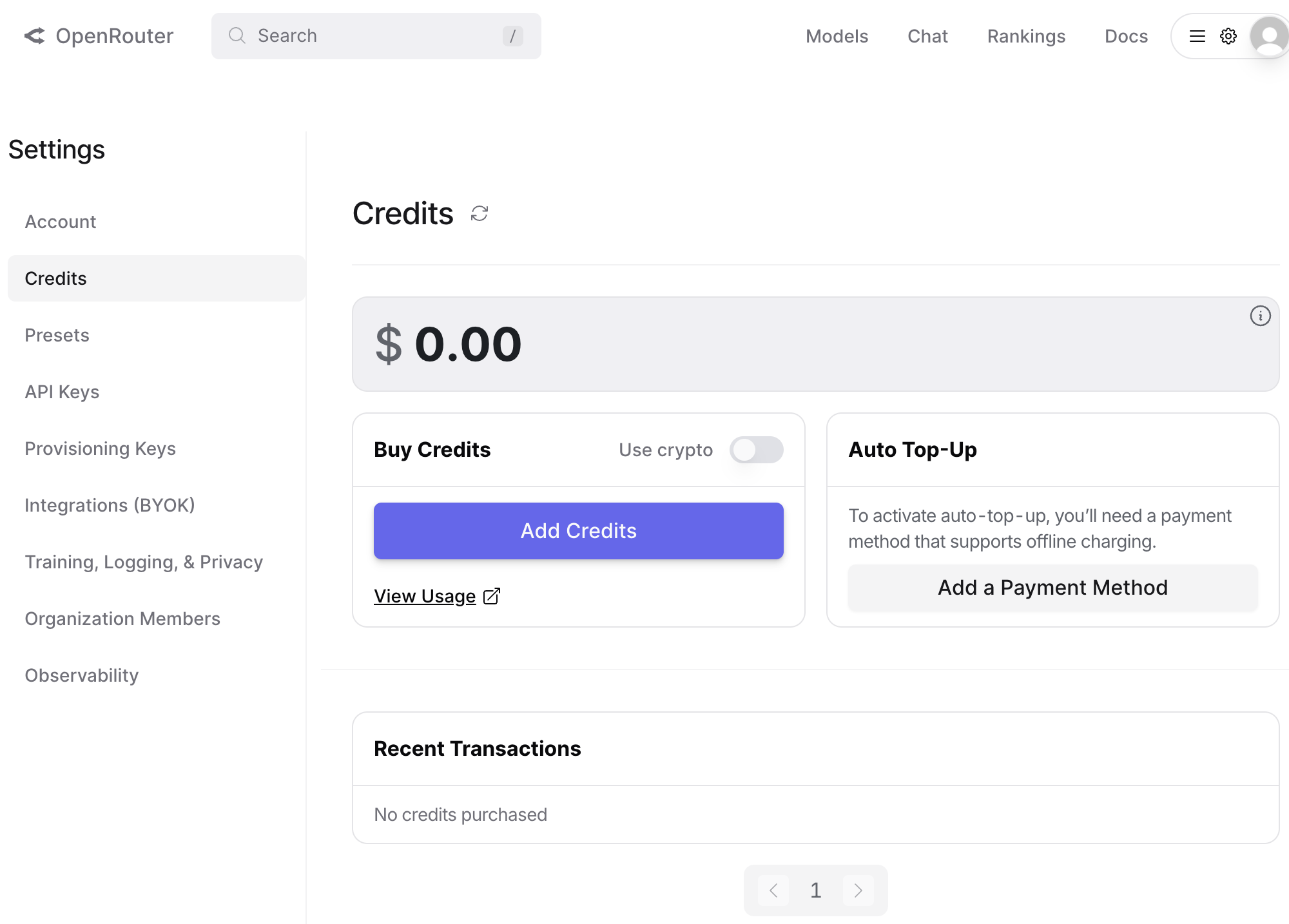
And choose your payment method
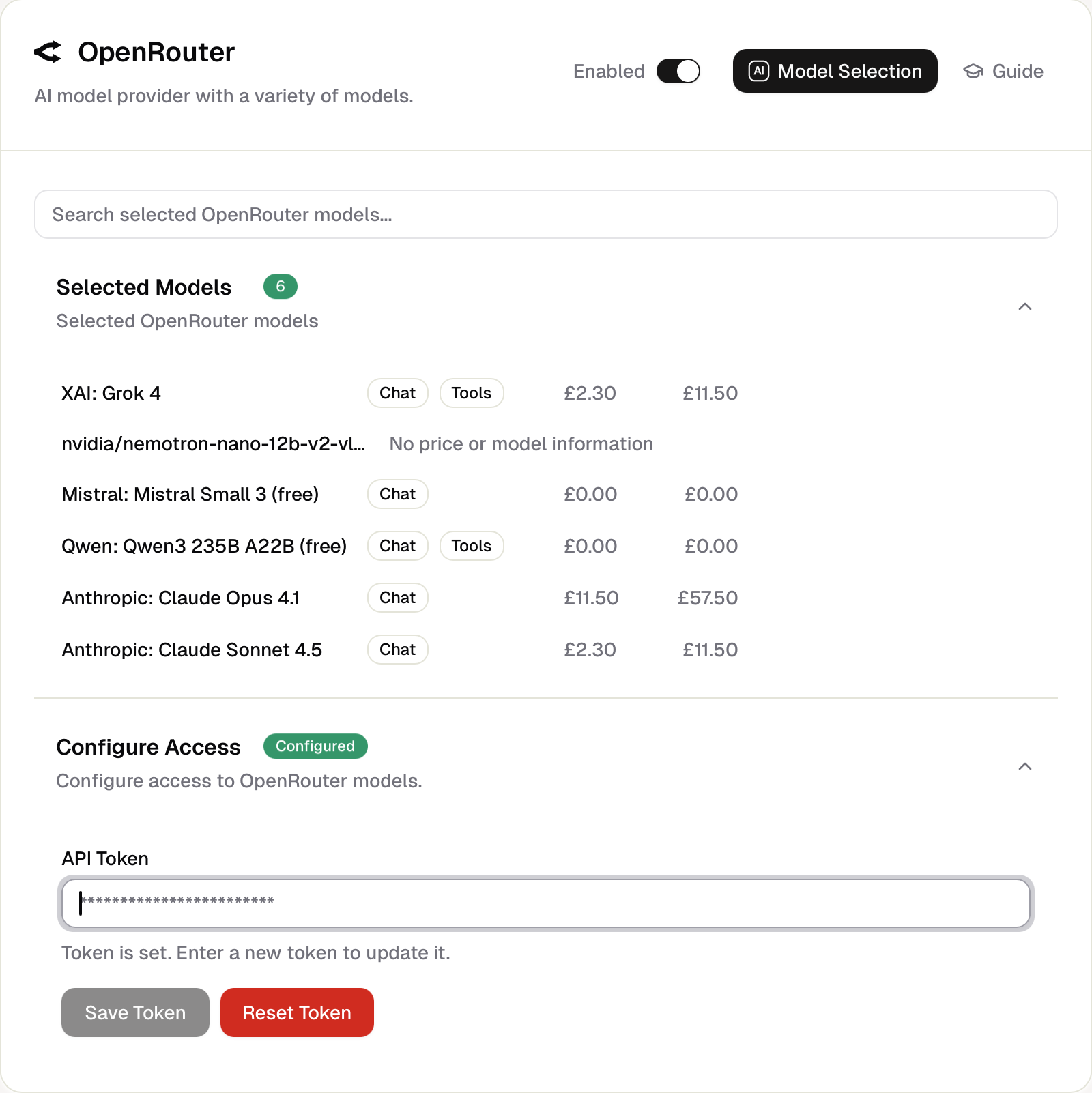
Use the copied token (key) in Awee
In Awee Desktop, go to Awee Desktop Settings. Make sure the Openrouter provider is enabled, paste in the token, and click "Save Token". Click to open in-app Awee Settings.
An API token (or access key) is like a secret password that lets your app or code securely access and use services from AI models (like ChatGPT or xAI) or other online tools without needing a username and login every time.