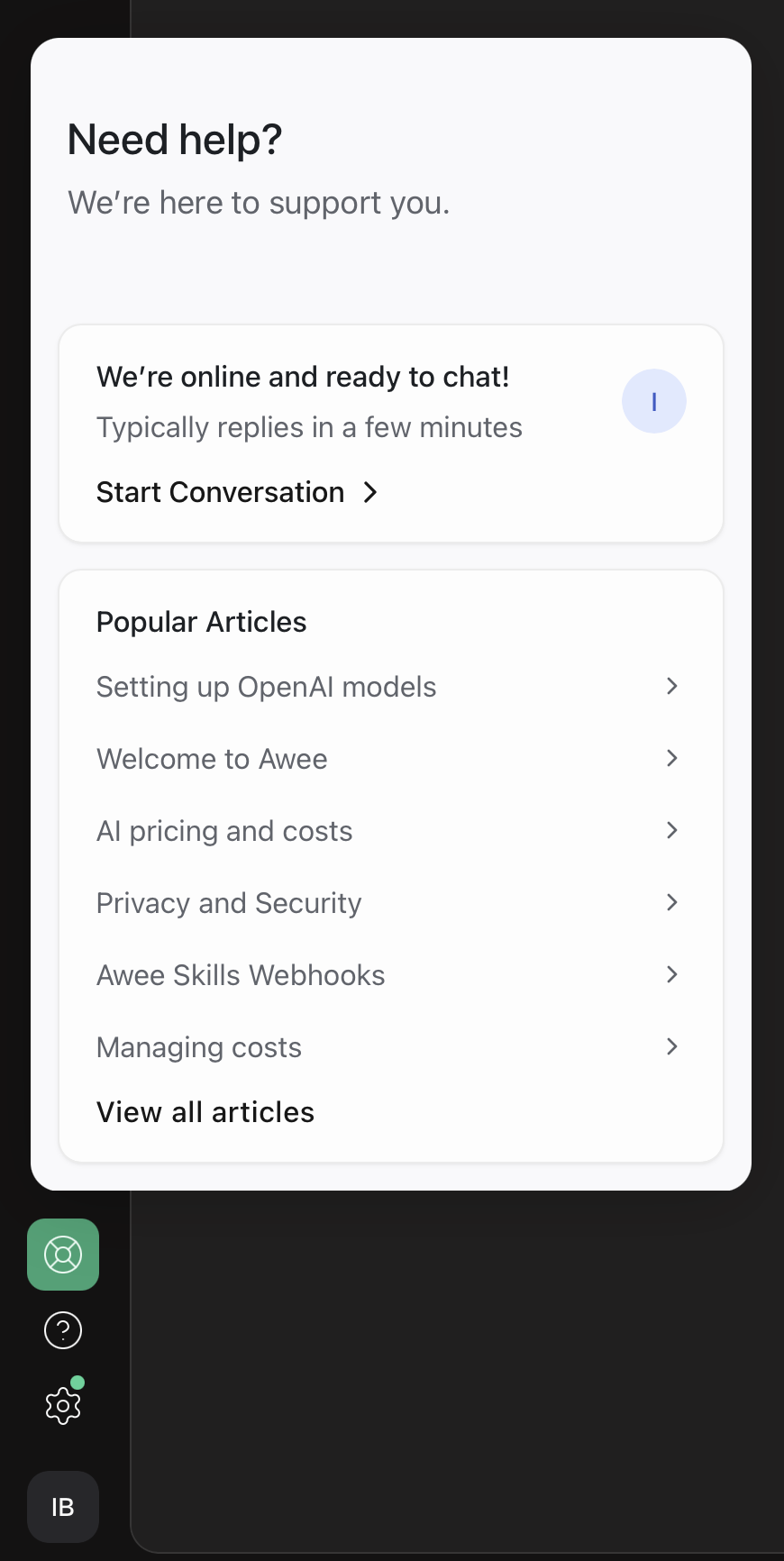
Logged-in users can get support and chat directly with the Awee team via the Desktop Application.
To enable the live-chat widget, open the Help section:
-
Press the question mark button in the sidebar
-
Press "/" key to open the Help
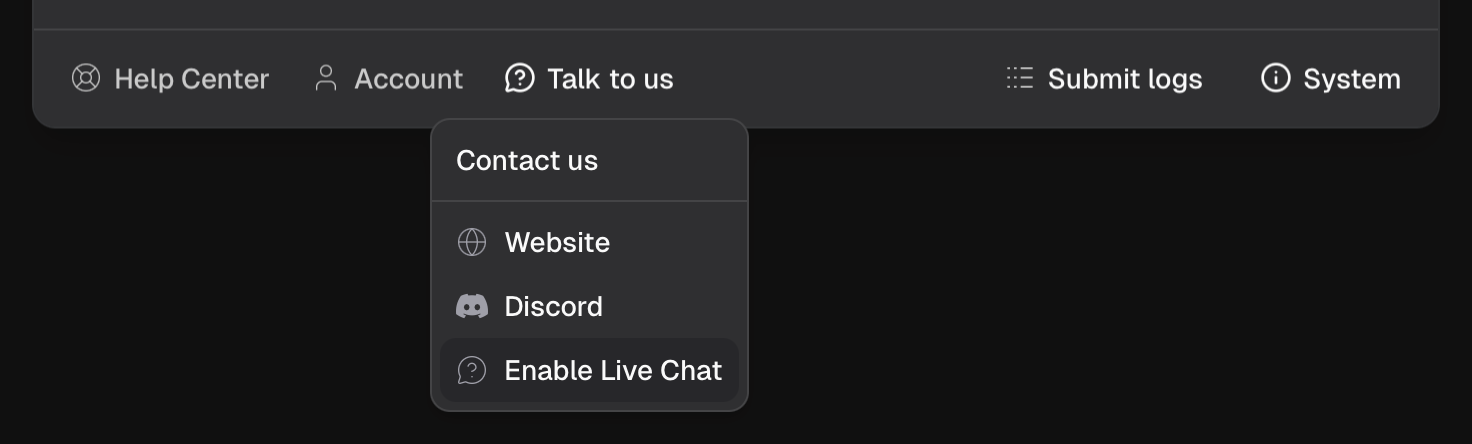
Look for "Talk to us" button at the bottom, click it and then click "Enable Live Chat".
Once enabled, the live-chat widget will appear in the sidebar.